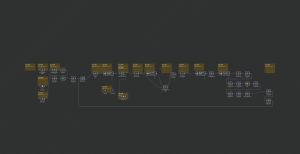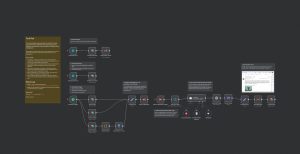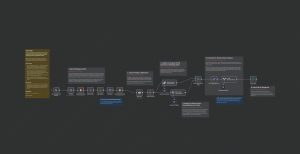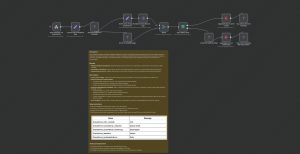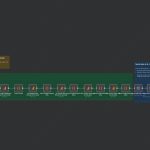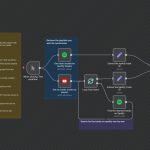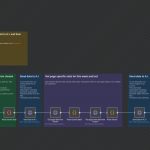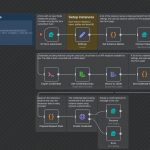
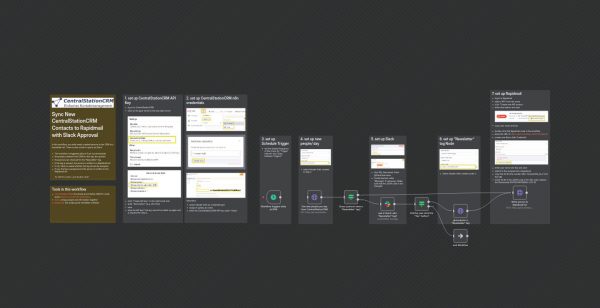
This n8n workflow automates the process of syncing new contacts from CentralStationCRM to Rapidmail for newsletter management, with a Slack-based approval step. It is triggered daily at a configurable time (default 5 pm), and performs the following steps:
1. **Setup and Authentication:** The workflow begins with notes on how to set up API keys for CentralStationCRM, Rapidmail, and Slack, which are essential for API authentication.
2. **Schedule Trigger:** The workflow triggers daily at the specified time.
3. **Fetch New Contacts:** It sends an HTTP request to CentralStationCRM to retrieve contacts created today, including their tags.
4. **Check for Newsletter Tag:** For each contact, it checks if the “Newsletter” tag is present.
5. **Slack Approval:** If the tag is missing, it sends a Slack message to a specific user (@Christian) asking whether to add the “Newsletter” tag to this contact, with options for approval.
6. **Conditional Tagging:** Based on the user’s response, if approved, it posts a request to add the “Newsletter” tag to the contact in CentralStationCRM.
7. **Add to Rapidmail:** Contacts approved for newsletter inclusion are then added to a specified Rapidmail recipient list.
This workflow streamlines managing newsletter subscriptions by automating the addition of contacts while incorporating a manual approval step to ensure consent or review. It is ideal for small teams looking to automate contact management and newsletter subscriptions with oversight.
**Use cases:** Automating contact synchronization, managing newsletter subscriptions, integrating CRM, email marketing, and team communication workflows.