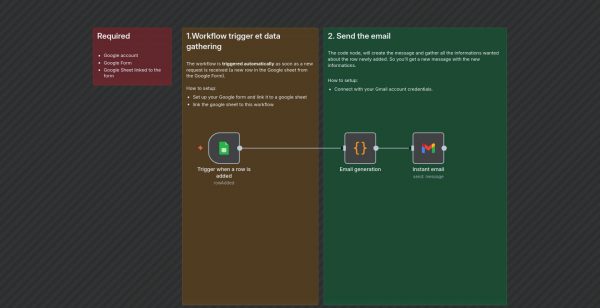
Google Form Instant Notification Workflow: Automated email alerts whenever a new Google Form submission is received.
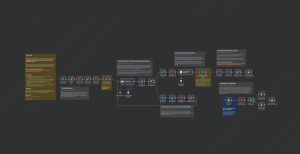
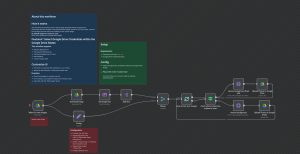
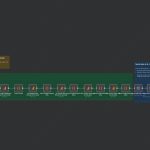
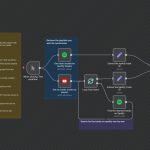
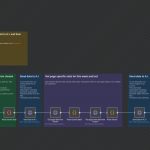
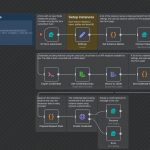
This workflow automates the process of monitoring responses to a Google Form by triggering on new row entries in the linked Google Sheet. As soon as a new response is submitted, the workflow gathers data, formats an email, and sends it to notify the relevant parties.
Workflow Steps:
1. **Trigger Node**: Monitors a specific Google Sheet for new rows added through a linked Google Form.
2. **Code Node**: Generates an email message in HTML format containing the respondent’s email and their request.
3. **Gmail Node (Inactive in current setting)**: Sends an email to the address provided in the form, notifying about the new request.
Use Cases:
– Customer support: instantly notify support teams of new queries.
– Feedback collection: alert team members when feedback is received.
– Any scenario requiring real-time notifications from form submissions.
This automation streamlines response management and ensures prompt communication based on user input in Google Forms.