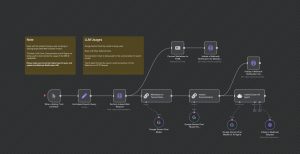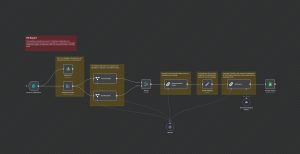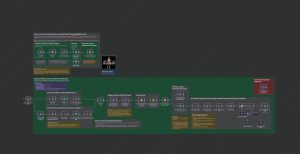
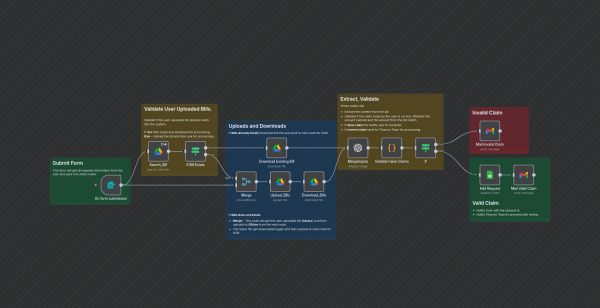
This n8n workflow streamlines the entire process of handling employee reimbursement claims submitted via a form. It automates bill validation, uploads receipts to Google Drive, extracts and verifies claim amounts, and communicates with employees and finance teams, ensuring a smooth and efficient reimbursement process.
**Workflow Steps:**
1. **Form Submission Trigger:** Employees fill out a reimbursement form including details like name, ID, email, claim amount, bill type, and upload receipts.
2. **Bill Existence Check:** The workflow checks if the uploaded bill already exists in Google Drive. If yes, it downloads the existing bill; if no, it uploads the new bill.
3. **Bill Extraction & Validation:** Using OCR and data extraction nodes, it extracts total amount from the bill and compares it with the claimed amount.
4. **Claims Validation:** If amounts do not match, it flags as a false claim, notifying the employee to resubmit. If amounts match, it proceeds to log the request.
5. **Data Logging & Notifications:** Valid claims are logged into Google Sheets, and email notifications are sent to both the employee and the finance department, indicating whether the claim is valid or needs review.
**Use Cases:**
This workflow is ideal for organizations seeking to automate the processing of employee reimbursement claims, reduce manual errors, and ensure timely validation and communication regarding expenses.