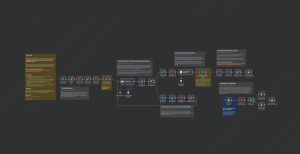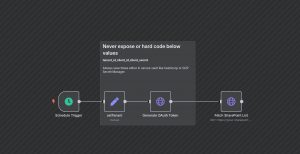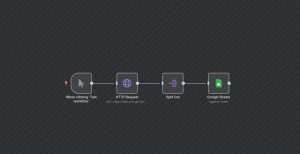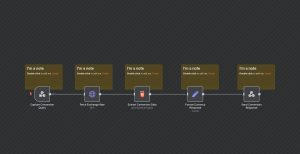
This n8n workflow facilitates the manual retrieval of data from a Stackby table, triggered by a user action. When the user clicks the ‘execute’ button, the workflow begins, setting predefined data, and then fetches a specific table’s data from Stackby. The process involves a Manual Trigger node to start the workflow, a Set node to define static data (an ID and Name), and two Stackby nodes: one to specify the table and columns, and the other to list the data within the table. This setup allows users to manually pull up-to-date information from a Stackby table, which can be useful for monitoring, manual data checks, or ad-hoc reporting within a broader system integration. This workflow is ideal for scenarios where occasional or manual data access from Stackby is needed, integrated seamlessly with other n8n automation processes.
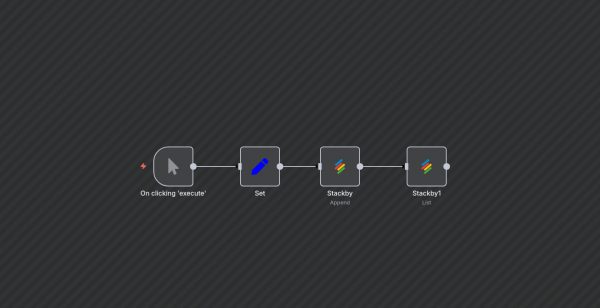
Automated Data Retrieval from Stackby on Manual Trigger
| Node Count | 0 – 5 Nodes |
|---|---|
| Nodes Used | manualTrigger, set, stackby |