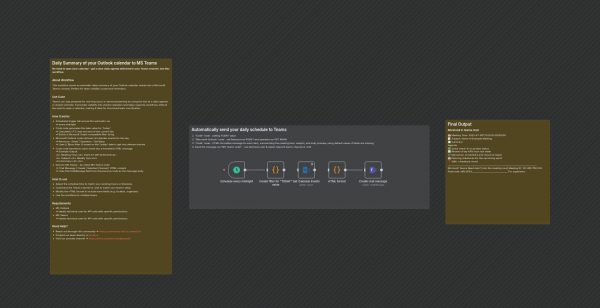
This n8n workflow automatically compiles and sends your daily Outlook calendar schedule to a Microsoft Teams channel every midnight. It streamlines team coordination and personal planning by providing a clear, HTML-formatted overview of the day’s meetings without needing to open Outlook or calendars manually.
Here’s how it operates:
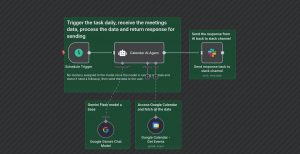
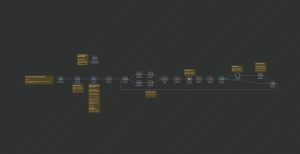
1. The workflow is triggered daily at midnight using a schedule trigger.
2. A code node calculates the start and end of the current UTC day and generates a filter string for the Outlook API.
3. The Microsoft Outlook node retrieves all calendar events scheduled for that day based on the generated filter.
4. A code node formats each event into an HTML message with details like meeting time, subject, and a brief body preview.
5. The formatted messages are then sent to a specified Microsoft Teams chat or channel via the Microsoft Teams node.
This process provides a practical solution for teams to stay informed about daily schedules, quick check-ins, or personal reminders, enhancing productivity and communication efficiency in a professional setting.