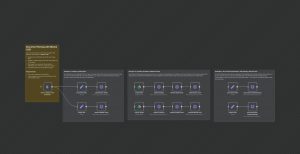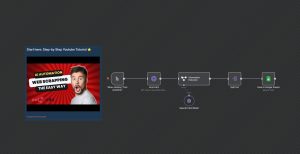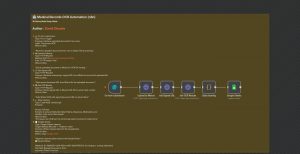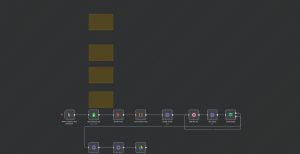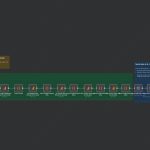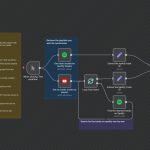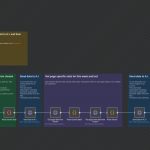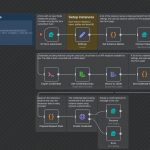
This n8n workflow automates the process of extracting structured information from Thai PDF documents and storing it in Google Sheets. It begins with a manual trigger for testing, then loads PDF files from a specific folder. The PDFs are processed through Typhoon OCR to extract text, which is then sent to a language model to structure the data into JSON format. A custom script parses the JSON, extracting fields such as document ID, date, subject, sender, attachments, details, signatories, contacts, and download links. Finally, the structured data is appended to a designated Google Sheet for record-keeping or further analysis. This workflow is ideal for organizations that handle a large volume of official Thai documents, streamlining data entry and reducing manual effort.
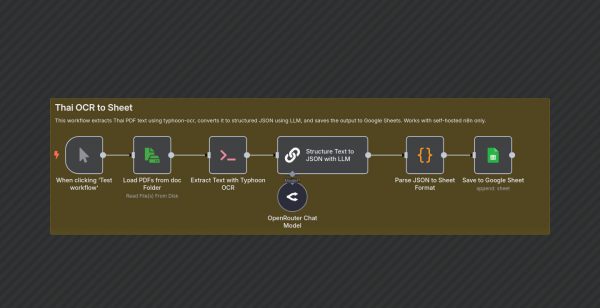
Automated Thai Document OCR and Data Extraction to Google Sheets
| Node Count | 6 – 10 Nodes |
|---|---|
| Nodes Used | @n8n/n8n-nodes-langchain.chainLlm, @n8n/n8n-nodes-langchain.lmChatOpenRouter, code, executeCommand, googleSheets, manualTrigger, readWriteFile, stickyNote |