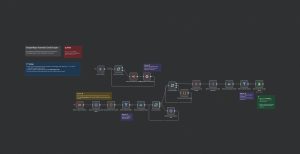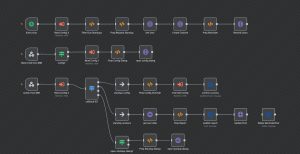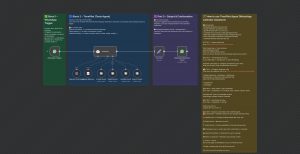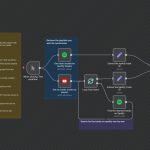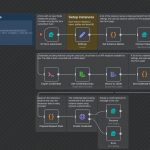
This n8n workflow automates the process of scraping, processing, and logging Upwork job listings into Google Sheets. It is designed to run on a schedule, fetch new job postings from Upwork via the Apify platform, format the raw data for clarity, and then append the structured information into a Google Sheets document. The workflow involves four main nodes: a scheduled trigger, an HTTP request to Apify, a data formatting node, and a Google Sheets node for logging. This setup is valuable for freelancers, agencies, or businesses looking to monitor current job opportunities seamlessly, enabling real-time market insights and efficient data management. It can be extended with additional features like alerts or data filtering for more tailored workflows.
Automated Upwork Job Listing to Google Sheets Workflow
| Node Count | 6 – 10 Nodes |
|---|---|
| Nodes Used | googleSheets, httpRequest, scheduleTrigger, set, stickyNote |