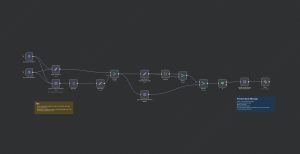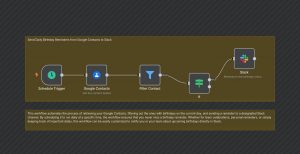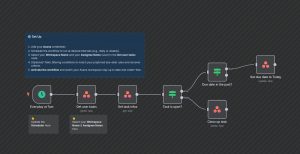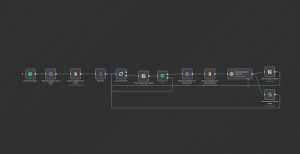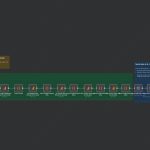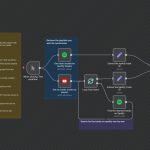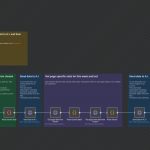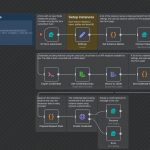
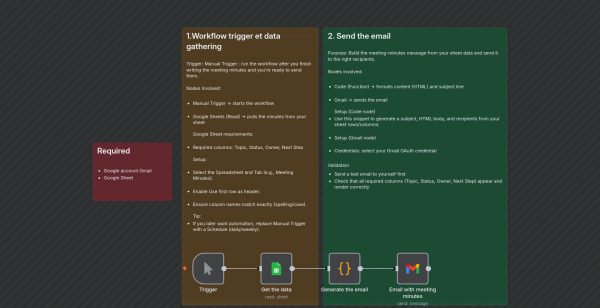
This n8n workflow automates the process of collecting meeting minutes from a Google Sheet, formatting them into a professional HTML email, and sending it via Gmail. It streamlines post-meeting communication, ensuring that all relevant stakeholders receive clear and structured updates without manual effort.
The workflow starts with a manual trigger, which can be replaced by a schedule for automation. It retrieves meeting data from a specified Google Sheet, requiring columns like Topic, Status, Owner, and Next Step. The data is then processed to generate an HTML table with the meeting details.
Next, a code node constructs a comprehensive email message, embedding the HTML table into a formatted email body. The email is customized with a predefined subject line, such as “Meeting notes today”.
Finally, the workflow sends the email to a designated recipient, typically meeting attendees or project stakeholders. This setup is ideal for teams looking to improve productivity by automating post-meeting summaries and ensuring timely updates via email.
Use cases include regular team meetings, project updates, or any scenario where clear, timely dissemination of meeting outcomes is critical.