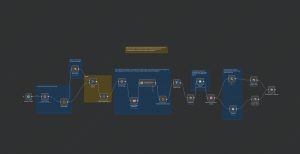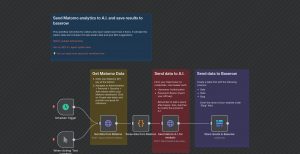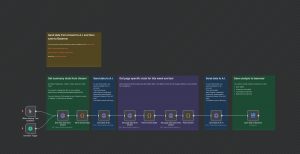
This n8n workflow automates the process of downloading an image from the internet and saving it directly to a local file. It is triggered manually, making it useful for ad hoc downloads or saving specific images on demand. The workflow starts with a manual trigger, which initiates an HTTP request to fetch the image file located at a specified URL. After retrieving the image data, the workflow writes the binary content to a designated location on your local system, effectively saving the image. This setup is ideal for users who need a quick way to programmatically download and store images without using complex coding or additional tools, and can be used for archiving, testing, or preparing assets for further processing.
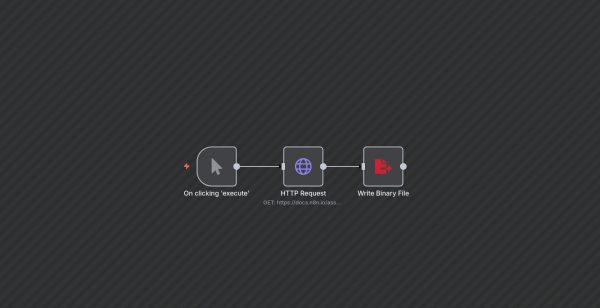
Download and Save Image on Manual Trigger
| Node Count | 0 – 5 Nodes |
|---|---|
| Nodes Used | httpRequest, manualTrigger, writeBinaryFile |