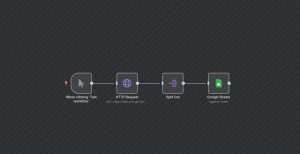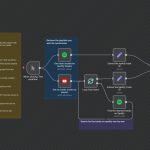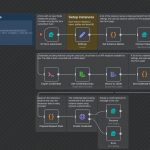
This n8n workflow automates the process of downloading a PDF, securing it with a password, and uploading the protected file to Google Drive. Triggered manually for testing purposes, the workflow begins with a manual trigger, downloads a PDF from a specified URL, and then uses ConvertAPI’s service to password-protect the document. The final step involves saving the password-protected PDF locally and uploading it to a Google Drive folder. This workflow is ideal for securely sharing confidential PDFs by automating encryption and storage seamlessly.
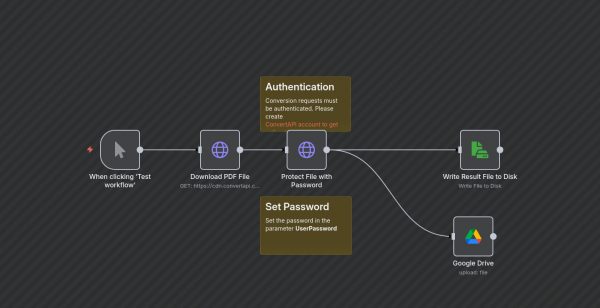
PDF Encryption and Storage with n8n
| Node Count | 6 – 10 Nodes |
|---|---|
| Nodes Used | googleDrive, httpRequest, manualTrigger, readWriteFile, stickyNote |