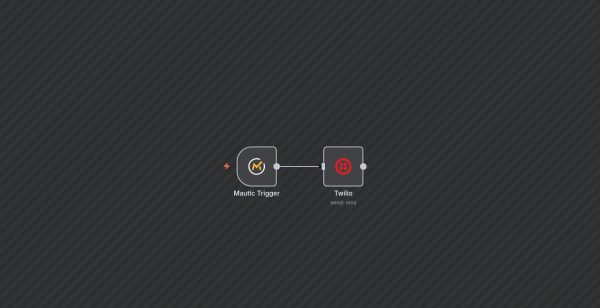
This workflow automates the process of sending a confirmation SMS using Twilio whenever a user submits a form through Mautic. It is designed to streamline communication and improve user engagement by providing immediate follow-up messages.
Here’s how the workflow operates:
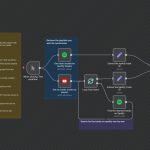
1. Mautic Trigger: Listens for the event of a form being submitted in Mautic. When a user submits the specified form, this trigger activates.
2. Twilio Node: Utilizes the data from the form submission to send an SMS via Twilio. The message includes a personalized greeting with the user’s first name and confirms their registration for a webinar.
The nodes are connected so that upon form submission, the workflow automatically retrieves the submitter’s phone number and first name, then sends a customized SMS to that phone number.
This workflow is particularly useful for webinar organizers, event managers, or marketing teams seeking to enhance user engagement with automated, personalized message follow-ups after form submissions.