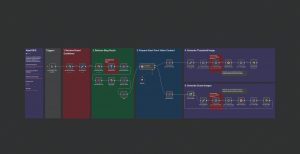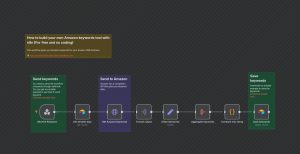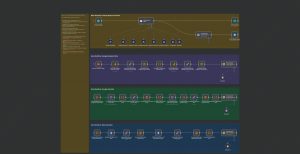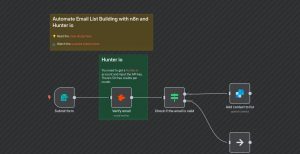
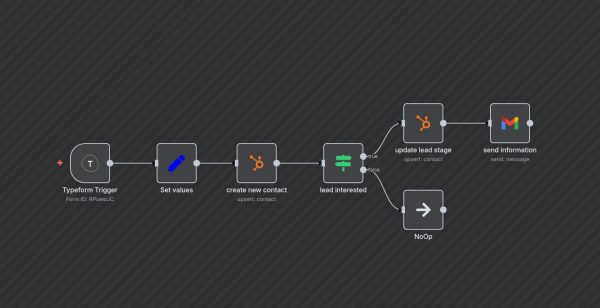
This n8n workflow automates the process of capturing new contacts through a Typeform submission, creating a contact in HubSpot, updating the lead’s lifecycle stage, and sending a follow-up email if the lead expresses interest. It streamlines lead capture, qualification, and engagement, saving time and improving outreach efficiency.
**Workflow Steps:**
1. **Typeform Trigger**: Listens for new responses in a specific Typeform (ID: RPueloJC).
2. **Set Values**: Extracts and formats form responses into variables such as name, email, department, company, and interest.
3. **Create New Contact**: Uses HubSpot node to create a new contact with the above details.
4. **Conditional Check (Interested Lead?)**: Checks if the respondent is interested in scaling visual content.
5. **Update Lead Stage**: If interested, updates the contact’s lifecycle stage to ‘opportunity’ in HubSpot.
6. **Send Follow-up Email**: Sends a tailored email via Gmail to interested leads, inviting them to schedule a call.
**Use Cases**: This workflow is perfect for marketing teams or sales departments wanting automated lead capture from web forms, immediate CRM updating, and timely follow-up communication, enhancing lead nurturing and conversion odds.