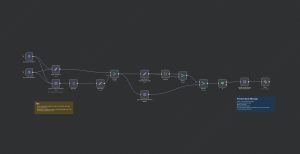
This n8n workflow automates the process of logging incoming emails into a Google Sheets spreadsheet. When a new email arrives, the workflow captures details such as the email’s subject, sender’s email address, and the email body. These details are then appended as a new row in a specified Google Sheets document, creating a structured record of communications. The workflow uses a Gmail Trigger node to monitor incoming emails in real-time, and a Google Sheets node to insert the data into the spreadsheet without manual intervention. This setup is ideal for businesses or individuals who want to keep a real-time log of email inquiries, customer messages, or other email correspondence for easy access and analysis.
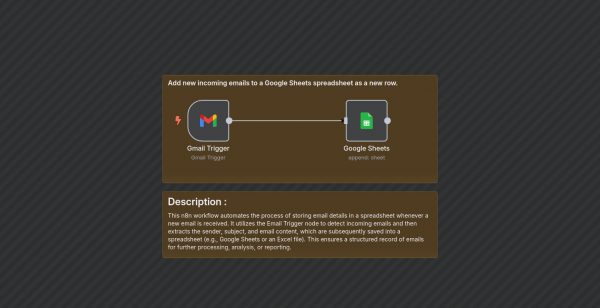
Automate Email Logging to Google Sheets
| Node Count | 0 – 5 Nodes |
|---|---|
| Nodes Used | gmailTrigger, googleSheets, stickyNote |