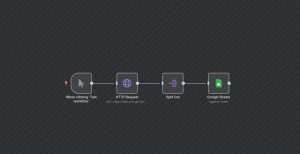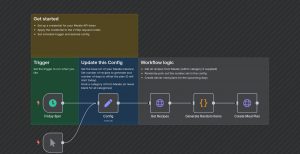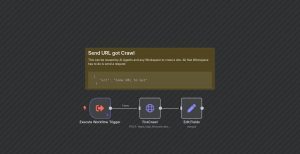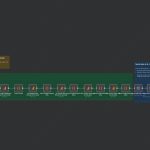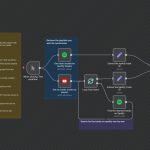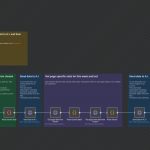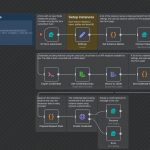
This workflow automates the process of capturing full-page screenshots of websites listed in a Google Sheet and storing them in Google Drive. It is ideal for monitoring website visual changes or archiving website states. The automation begins with a trigger that detects new rows added to a specified Google Sheet, which should contain the website URLs. When a new URL is added, the workflow sends a request to Dumpling AI to generate a full-page screenshot of that website. Upon receiving the screenshot URL, it fetches the image and then uploads it automatically to a designated Google Drive folder for storage or sharing. This process seamlessly integrates Google Sheets, Dumpling AI, and Google Drive for efficient, hands-off webpage monitoring or archiving. It can be useful for digital marketers, webmasters, or research teams needing rapid visual documentation of multiple websites without manual effort.
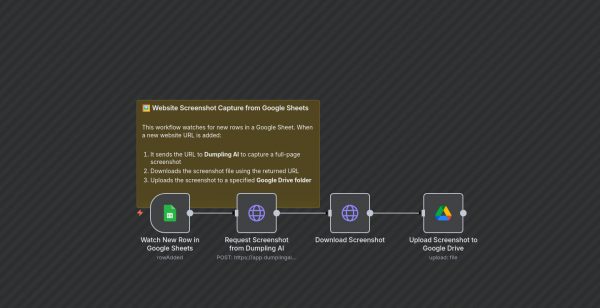
Automated Website Screenshot Capture from Google Sheets
| Node Count | 0 – 5 Nodes |
|---|---|
| Nodes Used | googleDrive, googleSheetsTrigger, httpRequest, stickyNote |