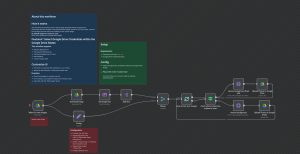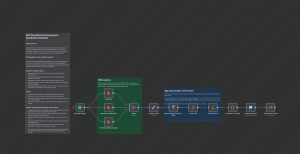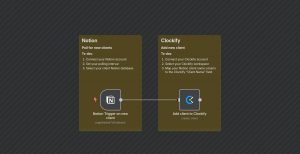
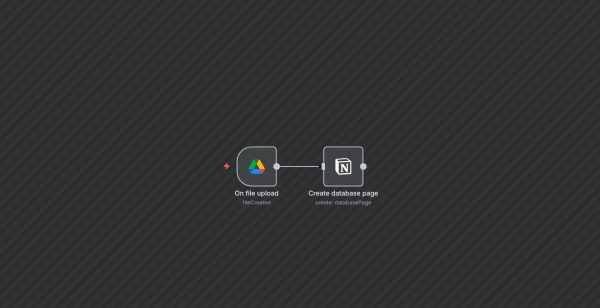
This workflow automates the process of creating a new page in a Notion database whenever a new file is uploaded to a specific folder in Google Drive. It streamlines content management by eliminating manual entry, ensuring that each uploaded file is logged in Notion automatically.
Here’s how it works:
1. The workflow is triggered by the Google Drive node, which monitors a designated folder (‘1_vYi00lSdzU2p6wGrnW_IqsOblOL-3zG’) for new files created.
2. When a file is uploaded, the trigger activates and passes the file details to the next node.
3. The Notion node then creates a new database page with the uploaded file’s name and a link to view the file, using information from the Google Drive trigger.
This setup is ideal for teams managing shared documents or media, allowing them to automatically log uploads into a centralized knowledge base or project tracker, and reduce manual data entry.